|
Support Article: Installing the Mandatory Update - August 2007
For the past few weeks you may have noticed a message when you log in to WinAA. 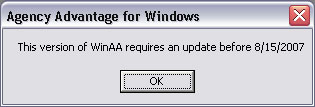 This is the second of two mandatory updates we require throughout the year, and it is to make sure that everyone is up to date on all the latest program enhancements. To download the update: From the Main Menu, click Utilities and then choose Internet Update.
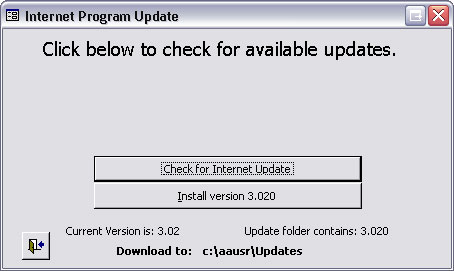
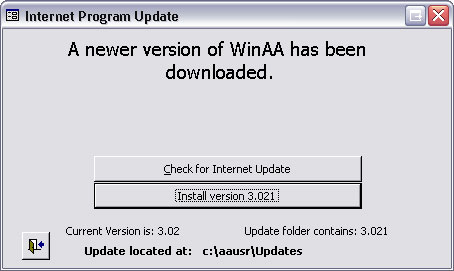
From the next window you'll need to Check for Internet Updates.
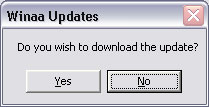
If you are on a version previous to 3.021 you will get a message that says an update is available and Do you wish to download the update? Choose Yes.
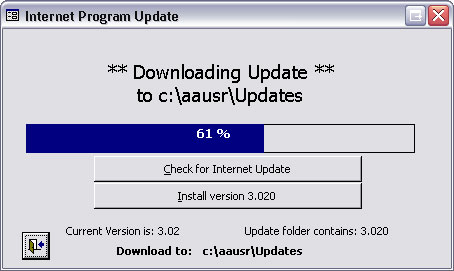
Next, the update will begin downloading.
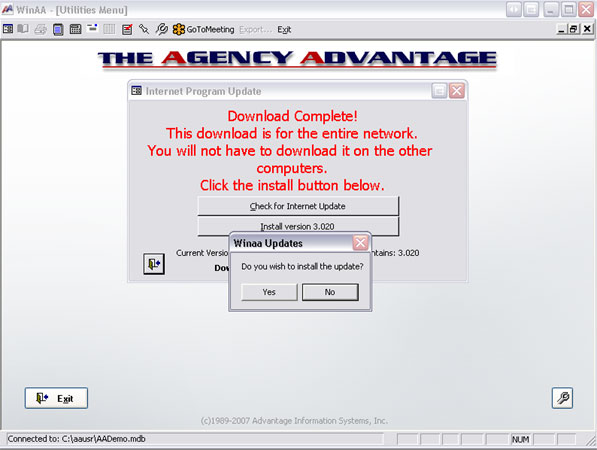
When it finishes downloading, you will need to install it. It is important at this time to have WinAA closed on the rest of the workstations in the office. If all users are logged out, choose Yes.
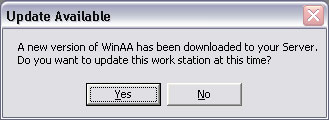
After WinAA has completed the update on this computer, it is now time to move on to the next computer in the office. Once again, WinAA needs to stay closed on all of the computers except the one you are installing the update on. When you login to AA on another workstation, you will get a message asking if you want to install the new version.
If you do not receive this message when you login, click Utilities then choose Internet Update. Click on Install version 3.021.
You will need to do this on each computer. Remember to do them one at a time. Written by: TMS |
|
|